Open Debates
An Open Debate is a debate that the debate.club team publishes on the home page so that any signed-in user can sign up to take part. Open Debates are the easiest way to join a debate when you don’t already have a team or an invite link.
Table of contents
- Finding Open Debates
- Signing Up
- Leaving an Open Debate
- How an Open Debate Starts
- Open Debates with an AI Adjudicator
Finding Open Debates
When you are signed in, the home page shows an Open Debates section above your recent debates. Each Open Debate is rendered as a card with:
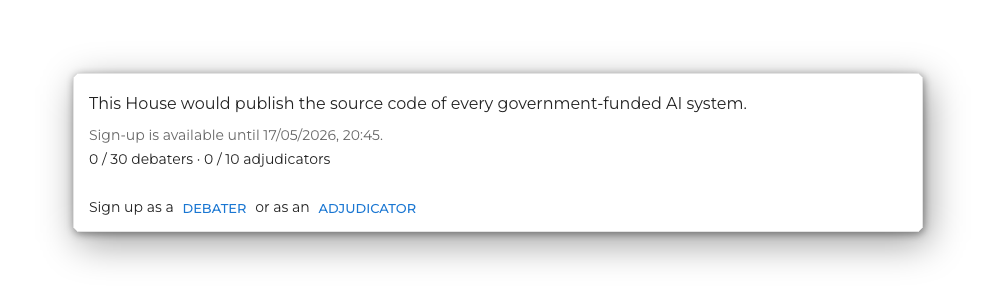
- the motion
- whether sign-up is currently open, and if not, when it will open
- the current sign-up counts, e.g.
3 / 8 debaters · 1 / 2 adjudicators - a Full roster required chip if the debate will only start once every position is filled
- a sign-up prompt: Sign up as a debater or, where allowed, Sign up as a debater or as an adjudicator
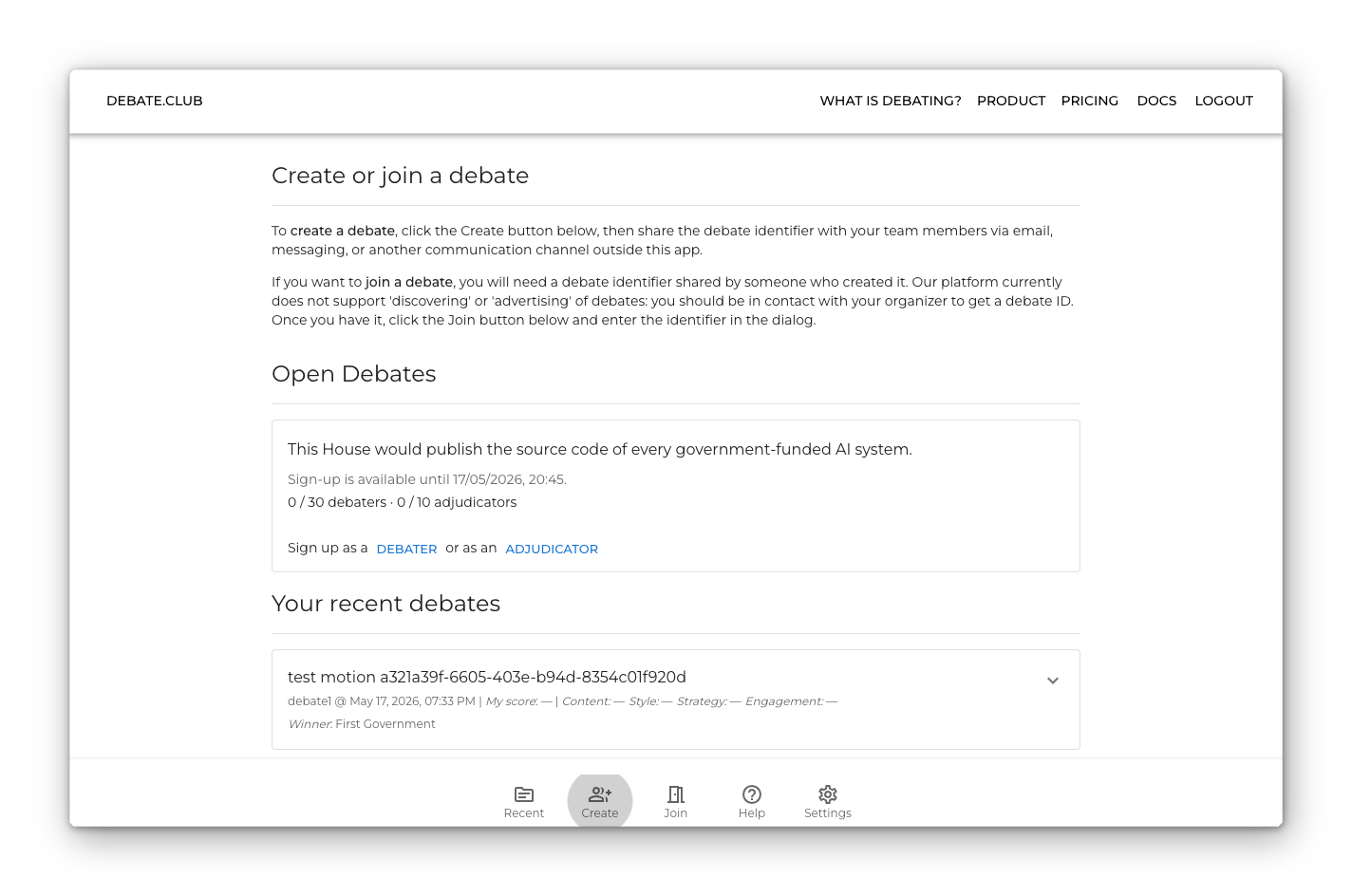
If there are no Open Debates accepting sign-ups, the section reads There are no open debates right now.
A single Open Debate card looks like this:
Signing Up
Click debater or adjudicator in the sign-up prompt to register for the debate. Sign-ups are first-come, first-served and your role inside the debate (e.g. Prime Minister, Member of Opposition, Adjudicator) is assigned automatically based on what is still available when you sign up.
Restrictions:
- You may be signed up to at most one Open Debate at a time. If you have already signed up to another Open Debate, the card for any other Open Debate will tell you to leave the one you’ve signed up for first.
- If the debate hasn’t reached its Availability time yet, the sign-up button is disabled and the card explains when sign-up will open.
- If a sign-up attempt fails (for example because the position was just taken), a short rate-limit timer prevents rapid retries — wait for the small progress ring to fill before trying again.
After you sign up, the card replaces the sign-up prompt with a Leave button and a confirmation line stating the role you signed up for.
Leaving an Open Debate
Click Leave on the card to release your spot. You can sign up to a different Open Debate after that.
If the debate has already started, leaving from the Open Debate card is not possible — leave from inside the debate room instead, the same way as for any other debate.
How an Open Debate Starts
An Open Debate moves into the Lobby automatically when its sign-up criteria are met:
- Full roster required debates wait until all eight debater positions and at least one adjudicator have signed up.
- Other Open Debates can begin with whatever roster is in place when the start condition is reached.
Once a debate moves into the Lobby, signed-up participants are taken to the room with their assigned roles. From there the debate proceeds through the usual stages described in The Debate Process.
Open Debates with an AI Adjudicator
Some Open Debates have an AI adjudicator on the panel — either in the chair, running the debate, or as a wing alongside the human adjudicators. Which it is (or whether there is one at all) is fixed when the debate is published; you do not choose it when you sign up, and signing up works exactly the same way.
What changes once you are in the room:
- You are asked to agree that your speech may be transcribed and evaluated by AI before you can join.
- The Debate Room shows an AI is transcribing this debate notice.
- Your results arrive a little later, with an email and an in-app notification when they are ready.
See AI Adjudicators for the full picture.