Your Profile
Your profile page is where you manage what you have agreed to, review reports, and sign out. Open it with the person icon at the top right of any page while you are signed in.
Table of contents
The Page
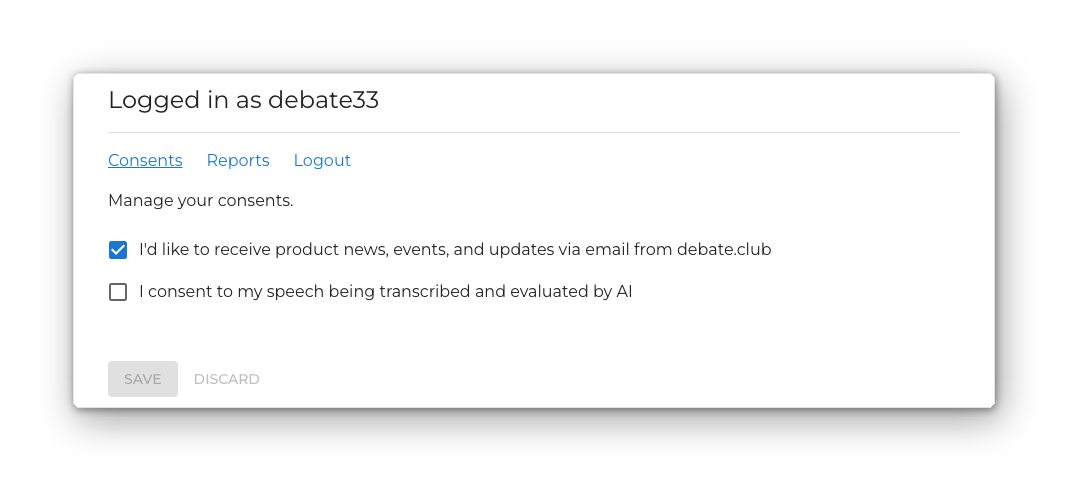
The heading tells you who you are signed in as — Logged in as username — and below it are three links: Consents, Reports, and Logout. Clicking Consents or Reports swaps the panel underneath; the link for the section you are viewing is underlined.
Consents
Two things you can agree to, each a checkbox:
| Consent | What it covers |
|---|---|
| I’d like to receive product news, events, and updates via email from debate.club | Marketing email. Off unless you turn it on. |
| I consent to my speech being transcribed and evaluated by AI | Taking part in debates that have an AI adjudicator. Granting it here is permanent consent: you stop being asked each time you join such a debate. |
Save and Discard stay disabled until you actually change something. Save writes only the boxes you changed and confirms with Saved.
Withdrawing AI consent takes effect immediately. You will then be asked to consent per debate again when you join one with an AI adjudicator, and until you agree you cannot take part in it.
Reports
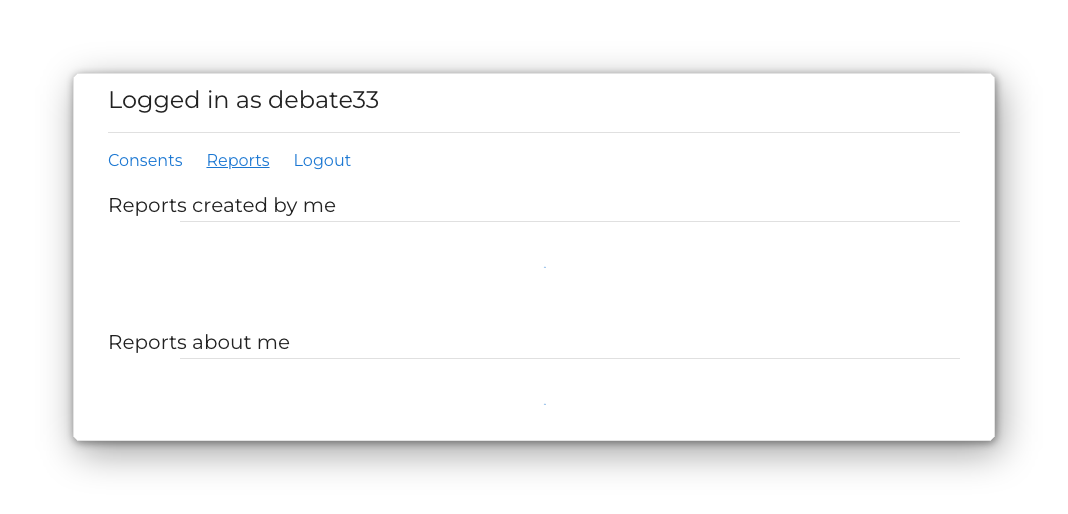
Two lists: reports you have filed, and reports filed about you. See Reporting a Participant for what each one shows.
Signing Out
Click Logout. A confirmation appears:
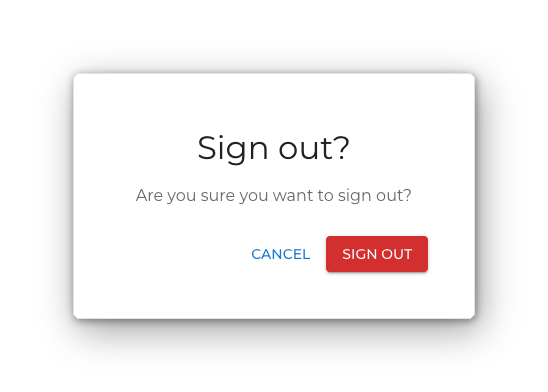
Confirm with Sign out and you are returned to the home page as a signed-out visitor.
Signing out ends the session on this device only. See Logging In and Out for the cases where debate.club signs you out on its own.